What is SUNO AI? Before we get into the Suno...
Read More

What is SUNO AI? Before we get into the Suno...
Read More
My Unfiltered, Hilarious Interview with ChatGPT Artificial intelligence is smart,...
Read More
If you’re building a new website or looking to switch...
Read MorePlanning a small business website might seem intimidating—especially when you’re juggling operations, customers, and marketing. But here’s the good news: you don’t have to be a tech expert to lay the foundation for a professional online presence.
In this guide, we’ll break down the entire process into simple steps so you can confidently plan and build your small business website with clarity and purpose.
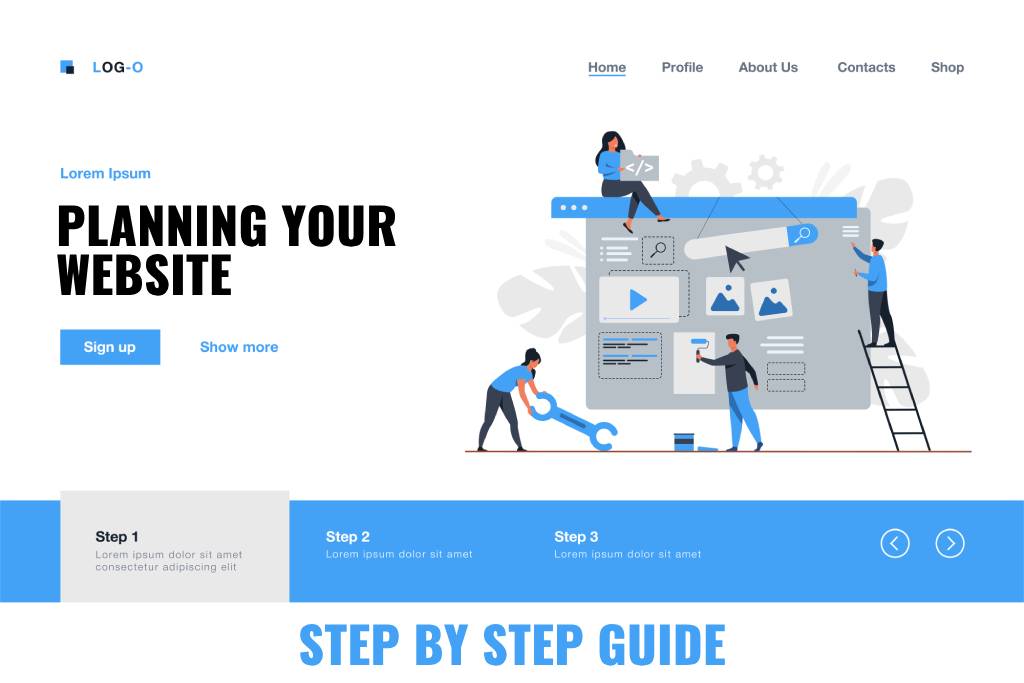
Before jumping into design or content, pause and think—why are you creating this website?
Are you hoping to:
Clarity here is key. If your goal is to collect leads, for example, your site will need forms, CTAs, and perhaps a freebie offer. If you’re building a product-based business, your focus should shift to clean product listings and seamless checkout. The entire site structure, layout, and messaging will depend on your primary purpose.
A great website speaks directly to its visitors. That’s why defining your target audience early is crucial.
Ask yourself:
For instance, if you’re a home baker catering to local customers, your site should emphasize local SEO, use a friendly tone, and display delivery details prominently. If you’re a B2B consultant, you’ll need a more professional, structured tone and content that builds authority.
🎯 Learn more about defining your customer persona.
Every small business website should start with these essential pages:
A small business website must have certain core pages and features to ensure it’s functional and professional. Here are the essential pages to include:
Some additional features to consider for a seamless user experience:
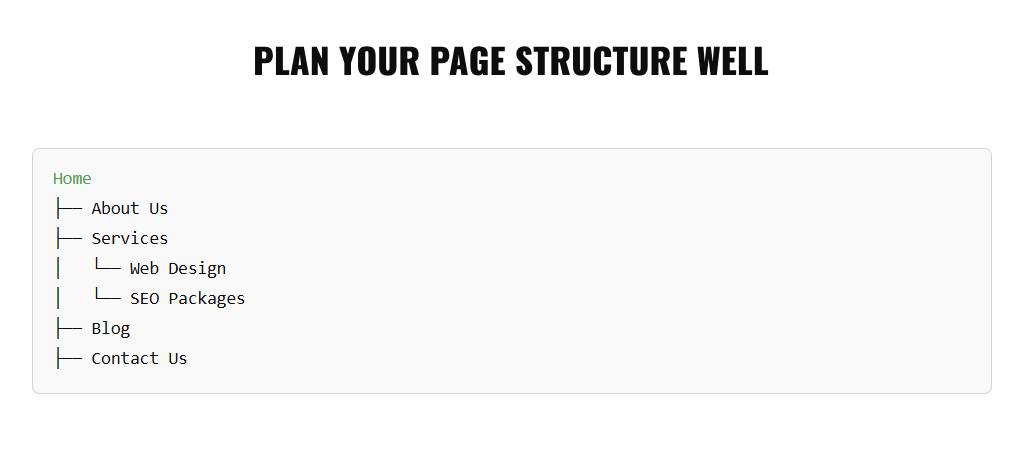
A sitemap is your website’s blueprint. It organizes your pages logically and helps both users and search engines navigate easily.
Here’s an example for a service-based business:
Avoid overcomplicating your menu. If you’re offering multiple services, group them under a single Services tab to keep navigation clean and intuitive.
🧩 Tools like GlooMaps can help you visually plan your sitemap.
Your website’s design isn’t just about looking pretty—it should reflect your business personality.
Ask yourself:
Using consistent branding across your site builds recognition and trust. If you don’t have brand guidelines yet, Webto.in can assist in creating a custom identity for you as part of our packages.
Also, be mindful of whitespace, mobile responsiveness, and accessibility. Design should never confuse—it should guide.

SEO ensures that your small business website gets discovered on Google.
Start with:
For example, a blog post titled “Why Your Business Needs a Website” can internally link back to your services page or contact form. This not only helps SEO but improves user experience.
📈 Tools like Ubersuggest or Google Keyword Planner can help with keyword ideas.
Once your content and structure are clear, list the technical features you’ll need. Examples include:
Adding these at the planning stage ensures they’re well-integrated rather than being last-minute add-ons.
✅ At Webto.in, we include these tools as part of our web design packages for smoother customer journeys.
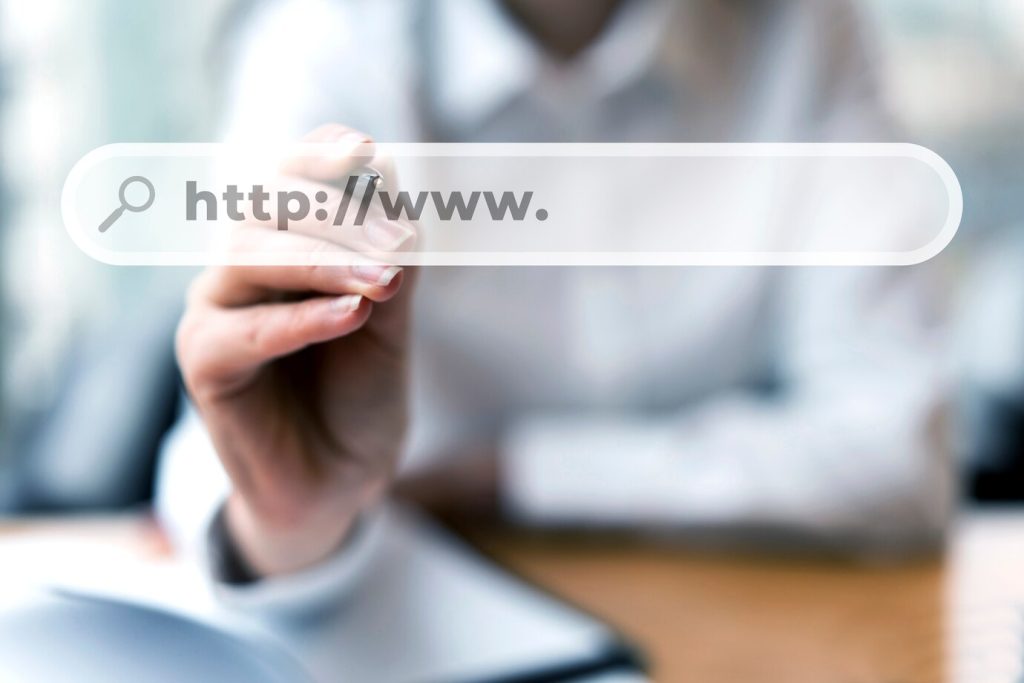
Your domain is your website’s address, and hosting is where your files live. You’ll also need a CMS (Content Management System) like WordPress, which powers over 40% of websites worldwide.
💡 Don’t worry—we provide free domain & hosting with select packages at Webto.in, making it simpler for first-time business owners.
Even the best-designed site will fall flat without good content. Prepare:
If you’re unsure about writing or photography, we offer content writing and stock image support to ensure your site feels professional and complete.
This is where many small business owners go wrong—choosing the cheapest developer or trying to DIY without guidance.
A good developer will:
At Webto.in, we specialize in small business websites with end-to-end support, from planning to launch.
A well-planned website is an investment, not an expense. It works 24/7 for your business, generates leads, and builds credibility. And the best part? You don’t have to figure it all out alone.
👉 Ready to build your small business website the smart way? Get in touch with us or explore our packages today.